How do I charge my smart Wi-Fi doorbell camera?
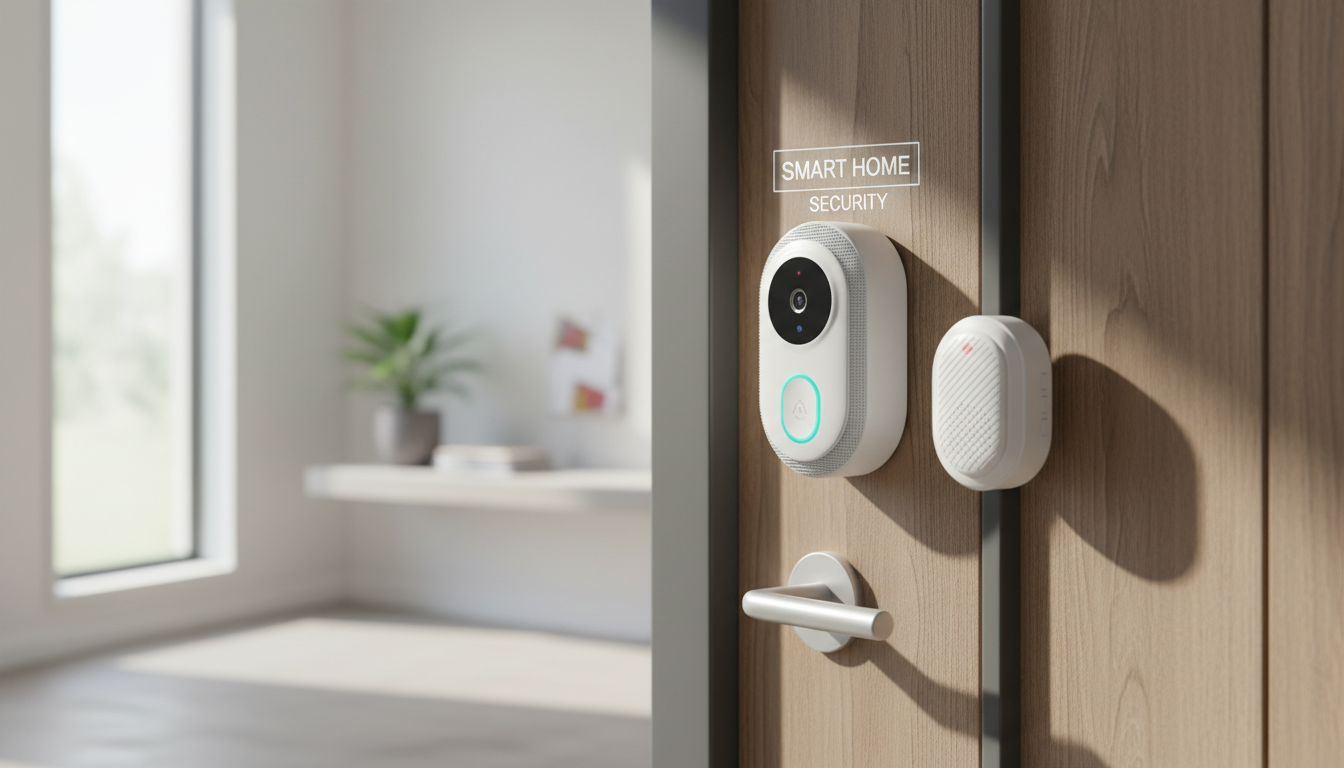
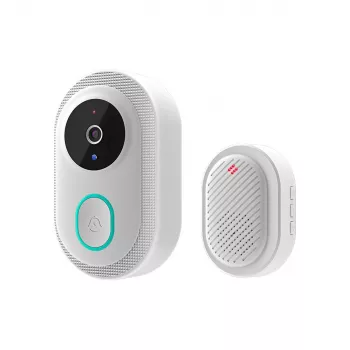
Charging a smart Wi-Fi doorbell camera depends on whether your model is battery-powered, hardwired, or supports both. Most battery models charge through a built-in USB port after you remove the doorbell from its mounting bracket, while hardwired units typically draw power continuously from existing doorbell wiring and may only have a backup battery.
Step-by-step: charging a battery-powered doorbell camera
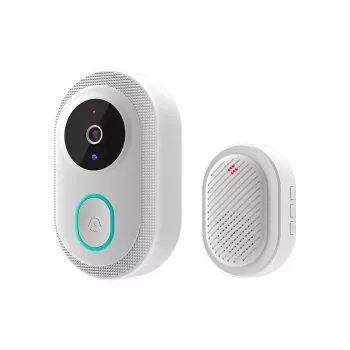
First, open your doorbell app and check the current battery level so you know whether you need a quick top-off or a full charge. Next, disable motion alerts if your model keeps recording while off the wall to avoid unnecessary notifications. Then release the doorbell from its bracket using the included security pin or screwdriver (many designs hide the release at the bottom edge). Once removed, locate the charging port—commonly a micro-USB or USB-C port protected by a weather flap.
Plug the doorbell into a standard USB wall adapter (typically 5V) using the manufacturer cable if possible. Charging time varies by model and battery size, but a full charge often takes a few hours. Watch for the status light or in-app indicator that confirms charging has started and when it’s complete. After charging, reseat the doorbell onto the bracket until it clicks, re-enable motion alerts, and confirm the live view reconnects to Wi-Fi.
If your doorbell is hardwired
Hardwired smart doorbells are usually “always on” and don’t need manual charging. If yours still shows a low battery warning, verify the transformer meets the required voltage/VA rating and that wiring connections are secure. Some units trickle-charge an internal battery and may need time after installation to stabilize.
Quick troubleshooting tips
If the doorbell won’t charge, try a different USB cable and power adapter, gently clean the charging port, and check for moisture around the flap. Also confirm the device isn’t overheating—charge it indoors at room temperature for best results.
For model-specific diagrams and checks, visit the full guide: https://boutiqueandgadgets.com/how-do-i-charge-my-smart-wi-fi-doorbell-camera/.
FAQ
How often should I recharge a battery doorbell camera?
Most users recharge every few weeks to a few months, depending on motion activity, video quality settings, night vision use, and cold weather. Checking the battery percentage weekly helps you learn your home’s typical drain rate.
Recommended for you









Leave a comment